
Why Apple Watch HRV is higher after a Breathe session
By Wellhero · Published
Apple Watch HRV can rise during a Breathe session because changing your breathing changes the timing between heartbeats. A higher reading after slow breathing can be a real physiological response. It does not, by itself, show that your usual resting HRV has improved or that you have recovered from a difficult day.
First check when the sample was recorded. A result you see after the session may have been measured during it. Compare that sample with other breathing sessions, and keep it separate from the resting or overnight measurements you use to follow your baseline.
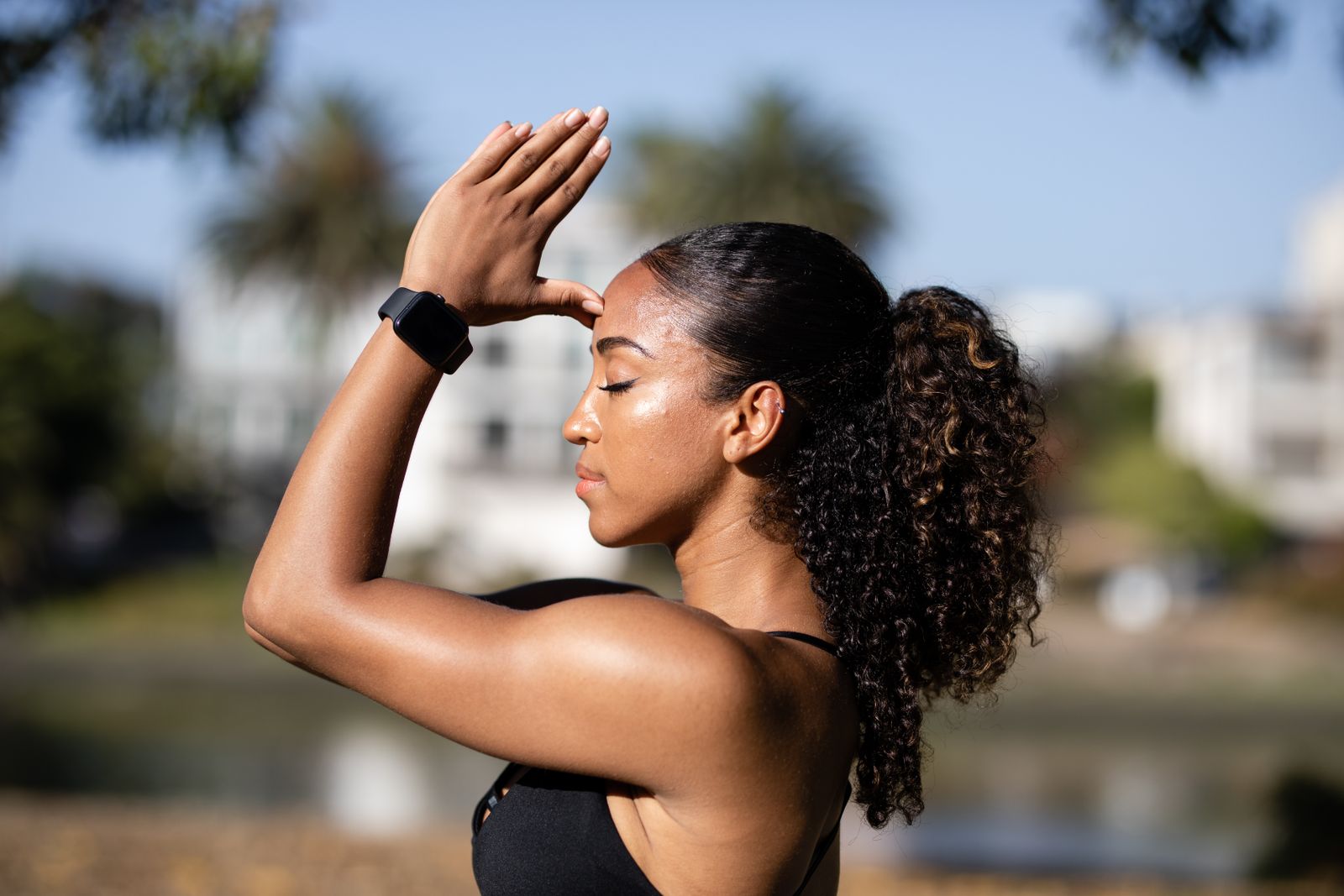
How breathing changes HRV
Your heart's rhythm varies with respiration. The change in heart rate across the breathing cycle is called respiratory sinus arrhythmia. Slower or deeper breathing can change the size of those fluctuations, so the breathing pattern becomes part of what the HRV measurement captures.
In a study of 20 healthy volunteers, researchers compared spontaneous breathing with several slow, paced breathing conditions while recording ECG. SDNN and RMSSD, two different HRV measures, increased during slow breathing. The researchers also tested seated and lying positions and found that posture interacted with the breathing response.
Breathing depth matters too. An experiment with eight young men varied the volume of air breathed at controlled rates. Breathing-related heart rhythm changes depended on that volume, with differences between participants. Using the same timer is not enough to make two readings comparable if the breathing pattern changes.
These studies support a response during controlled breathing. They do not establish a normal increase for your watch, prove that every session will raise HRV, or tell you how long a higher reading should last afterward. A short-session response cannot establish a change in fitness.
What Breathe records
Apple's technical description of the Mindfulness app explains that Breathe records heartbeat intervals during the session and saves estimated HRV to HealthKit. The heart rate displayed during the session is a separate measurement from the HRV value saved to Health.
Breathe guides your inhalation and exhalation with an animation. You can change the duration and breath rate in Apple's Mindfulness settings. If you follow a slower rhythm than usual, the watch is observing you under different conditions from an unprompted resting sample.
A higher number is not automatically a sensor error. Check whether the record came from paced breathing before using it as evidence of a lasting improvement in your resting HRV. For recording frequency and gaps, see how often Apple Watch measures HRV.
Which readings should you compare?
Choose the comparison according to what you want to learn. A relaxation exercise, a planned resting check and an overnight summary have different contexts.
If you want to follow your usual resting HRV
Keep a consistent time, posture and measurement routine. Breathe naturally for a resting check, following the instructions for the app you use. Deliberately slowing or deepening your breaths changes the conditions, even if you sit in the same chair each day.
If you normally use overnight data, continue comparing overnight data with the same metric and source. A single daytime Breathe sample cannot replace a whole night's summary. Our guide to HRV changes during the day covers other reasons the surrounding readings vary.
If you want to observe a breathing exercise
Record the session's duration and pace, and note whether you followed the prompts. Compare sessions with similar conditions. You can also note how you felt, but a change in HRV does not quantify how relaxed you felt.
For a before-and-after comparison, both comparison readings need the same resting conditions. A reading taken during paced breathing answers a different question from one taken afterward while breathing normally. The studies above do not supply a universal waiting time after Breathe.
Check the sample in Apple Health
- Open Health on your iPhone and search for Heart Rate Variability. Open the metric and scroll to Show All Data.
- Open the relevant day and inspect the individual record's time and source. Compare its timestamp with the start and end of your Breathe session.
- Check Data Sources & Access for the devices and apps contributing data. Make sure you are comparing records from the same source and the same HRV metric.
- Write down whether each value is an individual sample or a summary. If your device also shows Recovery HRV, inspect it separately instead of assuming that matching units mean matching calculations.
Apple's Health guide describes the data and source controls; navigation can vary by iOS version. Keep the original records while investigating. A high value alone is not evidence that a sample needs to be deleted.
Why an app score may change
Recovery apps can use different time windows or give a planned morning measurement priority. Some have settings that exclude Mindfulness samples. If a breathing session changes the measurements selected for a score, the score may change even though your overnight records stay the same.
Check the selected sample or time window before interpreting the new score. A reading captured while following slow-breathing prompts describes that session; it cannot establish that muscle soreness, sleep loss or illness has resolved. See why HRV apps show different numbers for differences in metrics and sample selection.
Taking a planned reading in Wellhero
For a planned Apple Watch measurement, Wellhero's instructions use Mindfulness, then Breathe: keep still, breathe normally and allow time for the watch to sync. Open the Apple Watch measurement screen in Wellhero and select the session to analyze. The Wellhero Apple Watch measurement guide shows the workflow.
If you followed the slow-breathing animation, keep that context with the result. Use your consistent resting records to follow your baseline, and your breathing-session records to follow the exercise.